

New Search This Article Function On HiFi PiG
HOW TO SEARCH WITHIN AN ARTICLE ON HiFi PiG
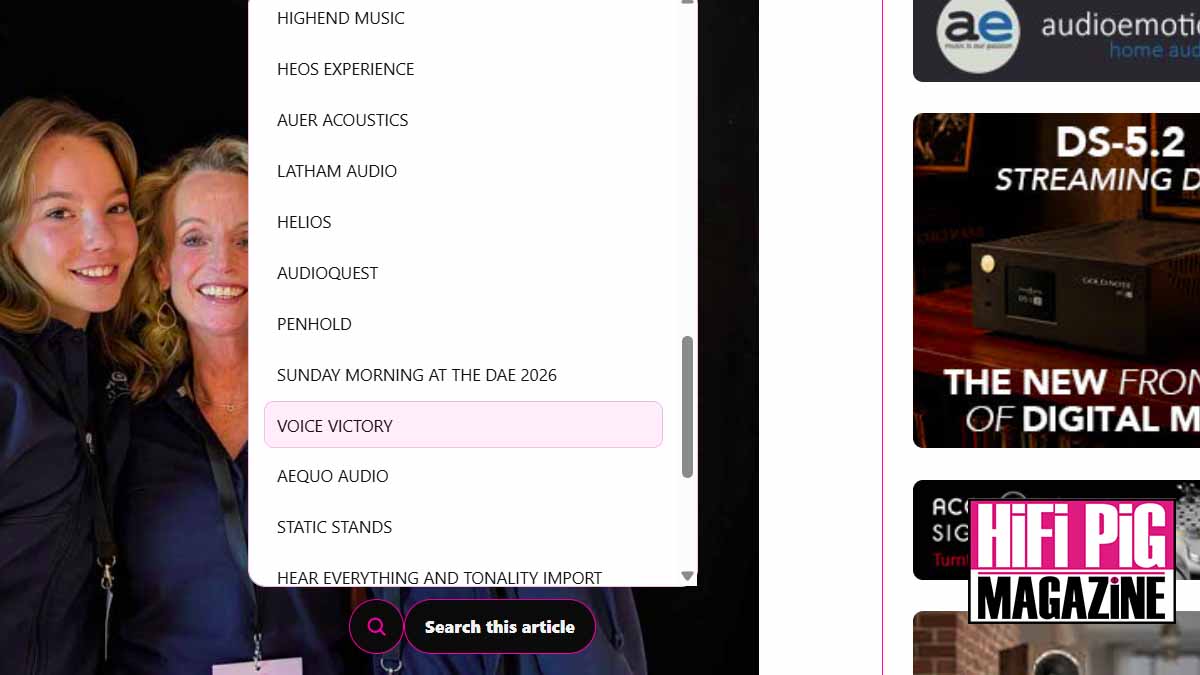
Looking for a particular brand, product or piece of information in a long HiFi PiG article?
Our HiFi PiG Show Reports are famously in-depth and detailed, but we know that sometimes you want to find a particular brand or room quickly, so we have introduced a useful ‘Search This Article’ function.

This is particularly helpful for longer show reports and event coverage, and from now on you will see the Search This Article button in these pieces, which you can use to either browse the headings or search for something specific.
HOW TO SEARCH AN ARTICLE ON HiFi PiG
Our Search This Article function makes it quick and easy to find what you’re looking for, without having to scroll through the entire article.










1. OPEN SEARCH THIS ARTICLE
Click the Search This Article button at the bottom of the screen. A list of the article’s headings will appear.


2. BROWSE THE HEADINGS
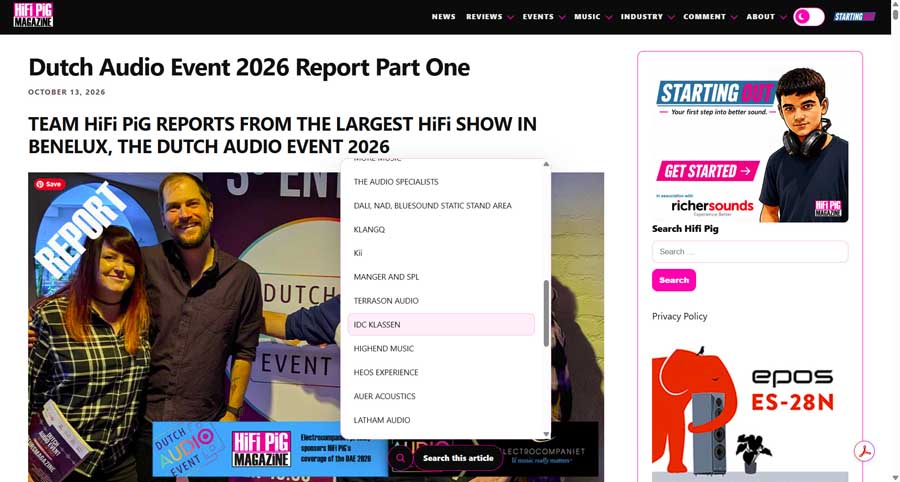
You can simply scroll through the headings shown in the search box to see the different sections of the article. Click on a heading to jump directly to that section.
3. SEARCH FOR SOMETHING SPECIFIC
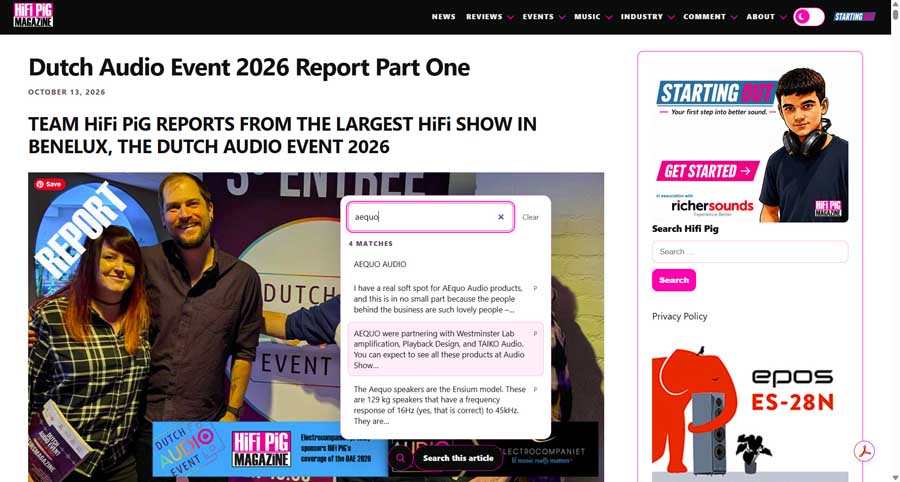
Alternatively, type a brand, product, person, technology or keyword into the search box. The headings will then narrow down to the relevant sections of the article.








For example, in our Dutch Audio Event 2026 report, you could search for a particular brand or product name to quickly find where it appears in the article.
4. JUMP STRAIGHT TO THE SECTION
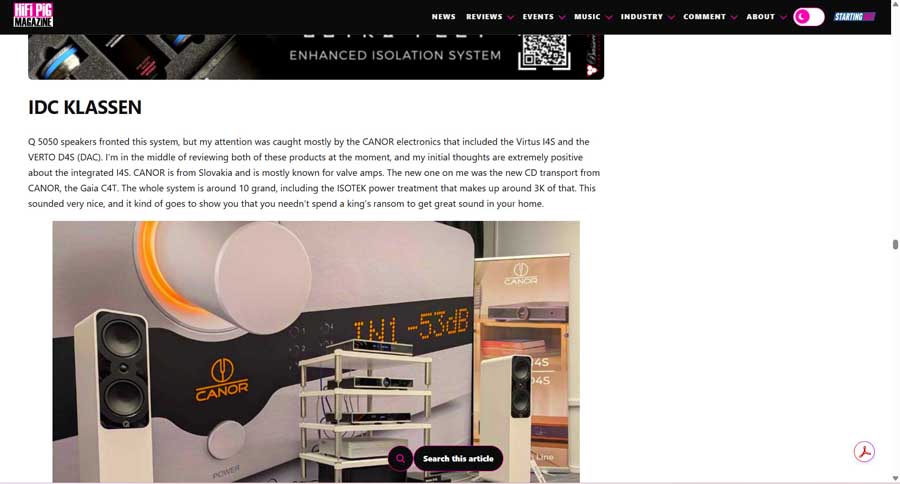
Click on the heading or text snippet you’re looking for and you’ll be taken directly to that part of the article.
Please note, search this article only searches the article you are currently reading. It does not search the whole HiFi PiG website, to search the site you still use our classic search on the right hand side of the page.
HiFi PiG says: You asked, we delivered, now our HiFi Show reports are searchable!